Best Bitcoin Wallets 2026: Top 10 BTC Wallets Compared
Searching for the best Bitcoin wallet in 2026? Our expert review compares the top 10 BTC wallets including hardware, software, and mobile options. Find the perfect wallet for your security needs and trading style.
 Coinvist Team
Choosing the right Bitcoin wallet is one of the most important decisions you will make as a cryptocurrency holder. Your wallet is the gateway to your digital assets, and selecting the wrong one can lead to security vulnerabilities, lost funds, or a frustrating user experience. In this guide, we review and compare the best Bitcoin wallets for 2026, helping you find the perfect solution for your needs.
Whether you are a long-term holder looking for maximum security, an active trader who needs quick access, or a newcomer seeking a user-friendly introduction to Bitcoin, there is a wallet designed for you. We evaluate wallets based on security features, ease of use, supported platforms, backup options, and overall value. Learn more about cryptocurrency wallets on Wikipedia.
Key Takeaways
- 1.Ledger Nano X is our top pick for most users, offering the best balance of security and usability
- 2.Hardware wallets provide the highest security by keeping private keys offline
- 3.Mobile wallets like BlueWallet offer convenience for everyday transactions
- 4.Open-source wallets like Sparrow and Wasabi provide transparency and advanced features
- 5.Always backup your seed phrase securely and never share it with anyone
Quick Comparison: Top 10 Bitcoin Wallets
| Wallet | Type | Price | Rating | Best For |
|---|---|---|---|---|
| Ledger Nano X | Hardware | $149 | 4.8/5 | Overall Best |
| Trezor Safe 3 | Hardware | $79 | 4.7/5 | Budget Hardware |
| Coldcard MK4 | Hardware | $157 | 4.9/5 | Security Maximalists |
| BitBox02 | Hardware | $149 | 4.6/5 | Swiss Quality |
| Electrum | Desktop | Free | 4.5/5 | Power Users |
| Sparrow | Desktop | Free | 4.7/5 | Privacy + Control |
| BlueWallet | Mobile | Free | 4.5/5 | Mobile + Lightning |
| Muun | Mobile | Free | 4.4/5 | Beginners |
| Exodus | Multi-Platform | Free | 4.3/5 | Beautiful UI |
| Wasabi | Desktop | Free | 4.6/5 | Privacy Focus |
What to Look for in a Bitcoin Wallet
Before diving into individual wallet reviews, it is essential to understand the key factors that make a cryptocurrency wallet secure and practical. Here are the most important considerations:
Security Features
Look for wallets with strong encryption, secure element chips (for hardware), multi-signature support, and passphrase protection.
Backup and Recovery
Ensure the wallet uses BIP39 seed phrases (typically 12 or 24 words) that allow you to recover your funds on any compatible wallet.
Open Source Code
Open-source wallets allow the community to audit the code for vulnerabilities, providing greater transparency and trust.
User Experience
A confusing interface leads to mistakes. Choose a wallet that matches your technical expertise and usage patterns.
Hardware Wallets vs Software Wallets
Understanding the difference between hardware and software wallets is crucial for making the right choice. Each type has distinct advantages and trade-offs.
| Feature | Hardware Wallets | Software Wallets |
|---|---|---|
| Security Level | Very High (offline) | Medium to High |
| Price | $50 to $250 | Free |
| Convenience | Less convenient | Very convenient |
| Best For | Long-term storage | Daily transactions |
| Hack Risk | Minimal | Higher exposure |
Our recommendation: Use a hardware wallet for your long-term Bitcoin holdings (cold storage) and a software wallet for smaller amounts you need to access frequently. This hybrid approach balances security with convenience.
Top 10 Bitcoin Wallets: Detailed Reviews
Ledger Nano X
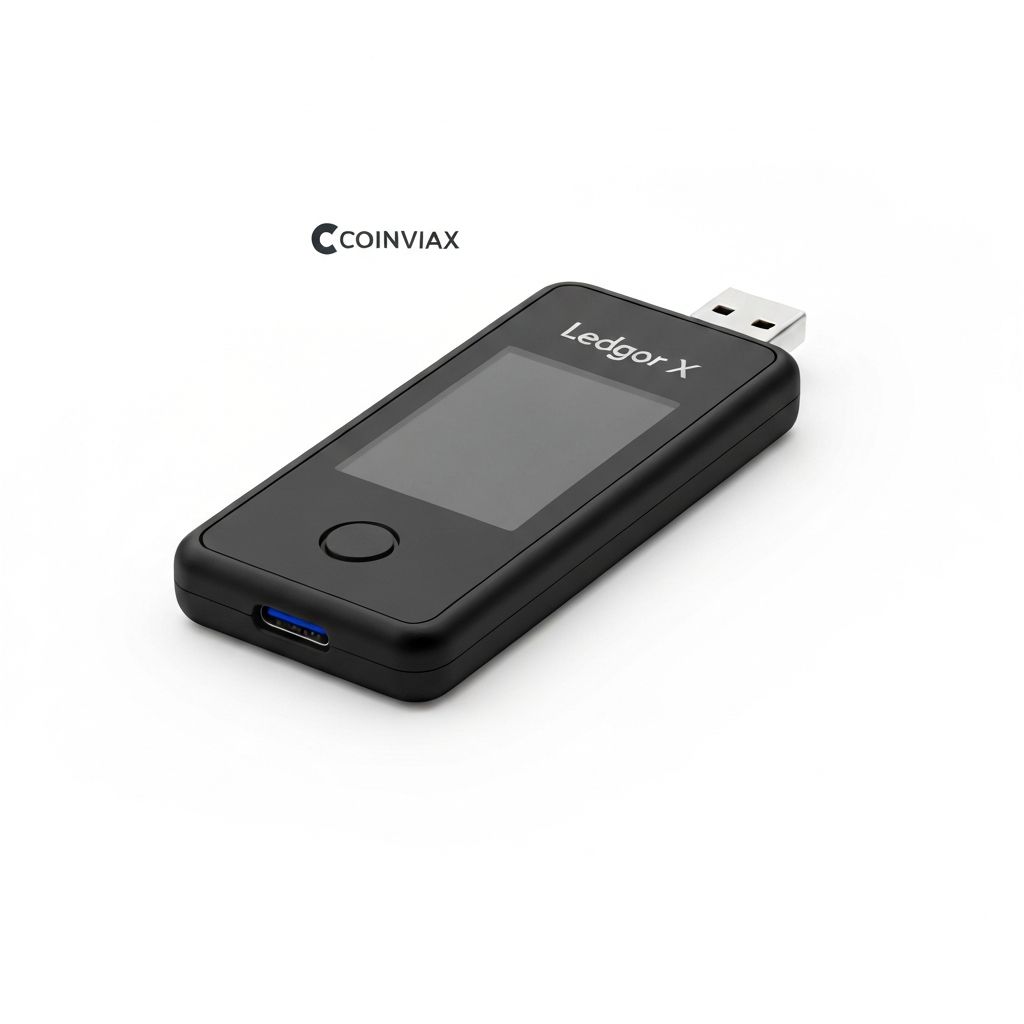
The Ledger Nano X remains our top pick for Bitcoin storage in 2026. This hardware wallet combines industry-leading security with Bluetooth connectivity, allowing you to manage your crypto from your smartphone without compromising on safety. Ledger uses a certified secure element chip (CC EAL5+) that keeps your private keys completely isolated from internet threats.
With support for over 5,500 cryptocurrencies and the intuitive Ledger Live app, the Nano X serves both Bitcoin-only users and those with diverse portfolios. The device features a large screen for transaction verification and can store up to 100 apps simultaneously. Battery life is solid at around 8 hours of active use, and the build quality is premium.
Ledger has faced criticism after a 2020 customer data breach (not funds), but the company has since improved security practices. The wallet itself has never been compromised, and the secure element ensures that even physical theft cannot expose your private keys without the PIN.
Advantages
- +Bluetooth for mobile convenience
- +5,500+ supported assets
- +Certified secure element chip
- +Excellent Ledger Live software
Disadvantages
- -Closed-source firmware
- -Past data breach concerns
- -Battery requires charging
Trezor Safe 3
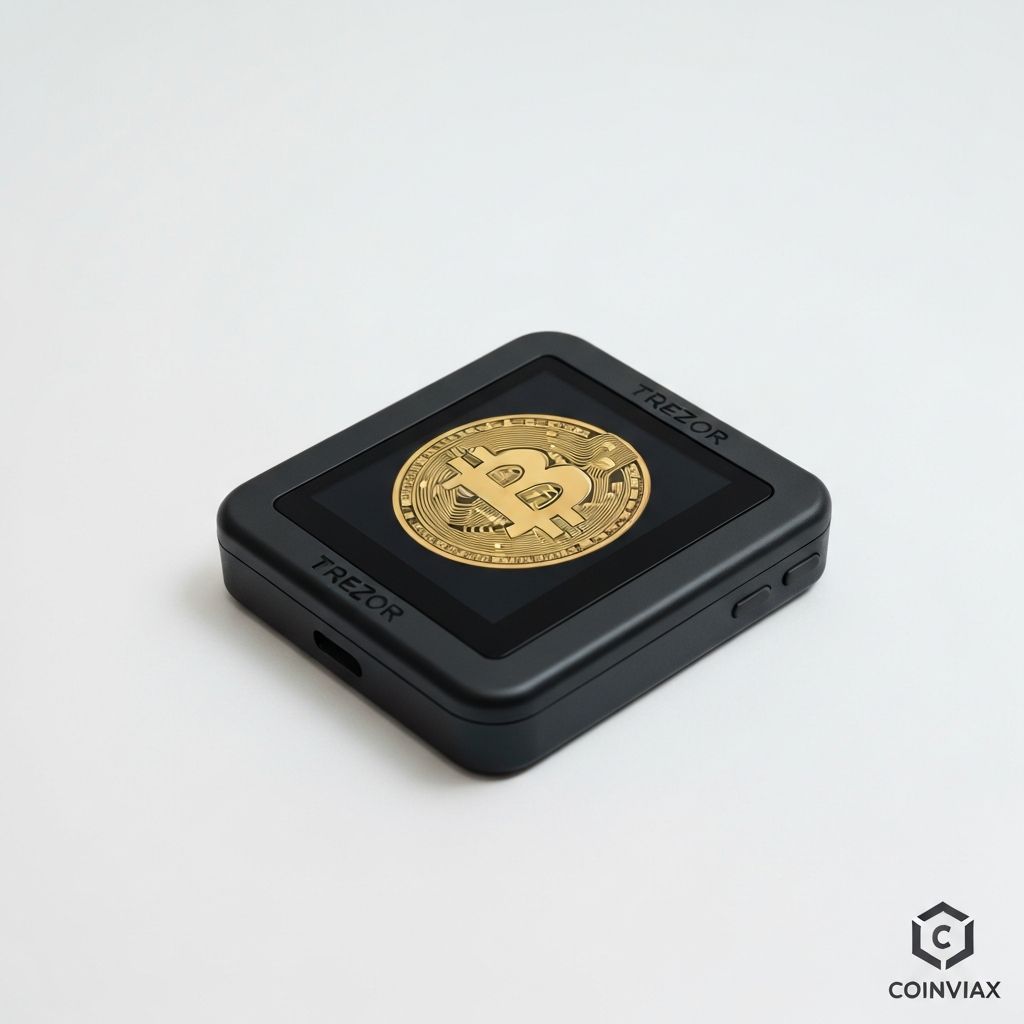
The Trezor Safe 3 is the newest addition to the Trezor family and offers exceptional value at $79. This entry-level hardware wallet includes a secure element chip (a first for budget Trezors) while maintaining the company commitment to open-source software. The smaller form factor makes it highly portable without sacrificing security.
Trezor pioneered the hardware wallet industry in 2014, and their track record speaks for itself. The Safe 3 supports Bitcoin along with 8,000+ other cryptocurrencies through the Trezor Suite software. While it lacks the touchscreen of the Model T, the simple button interface is reliable and less prone to failures.
Privacy-conscious users will appreciate Trezor open-source philosophy. Every line of code can be audited by the community, and the company has been transparent about any security issues. The Shamir Backup feature allows you to split your recovery seed into multiple shares for enhanced security.
Advantages
- +Excellent price point at $79
- +Fully open-source software
- +New secure element chip
- +Shamir Backup support
Disadvantages
- -No Bluetooth connectivity
- -Small monochrome screen
- -No iOS app (desktop required)
Coldcard MK4
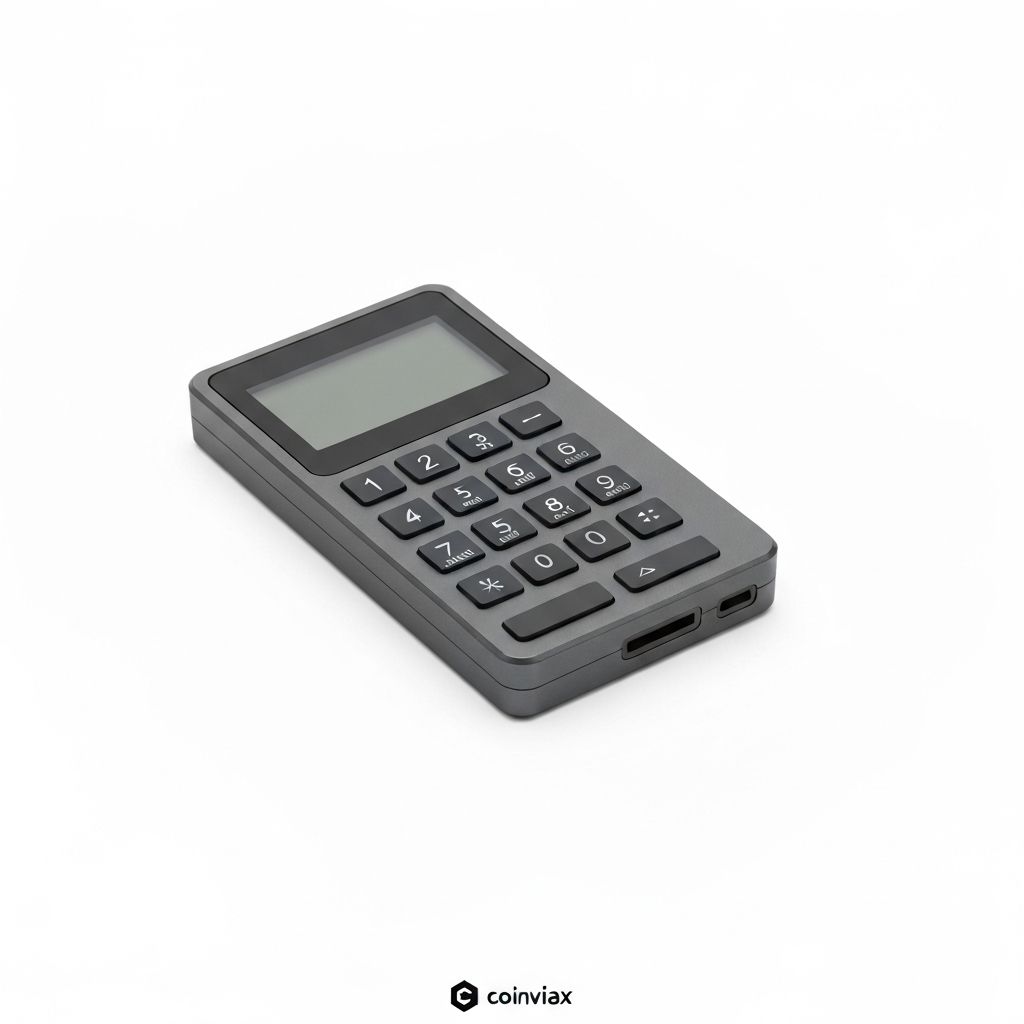
For Bitcoin maximalists and security purists, the Coldcard MK4 is the gold standard. This Bitcoin-only hardware wallet is designed with paranoia in mind. It can operate completely air-gapped using MicroSD cards for transaction signing, eliminating any possible attack vector from USB or wireless connections.
The MK4 features dual secure element chips for redundancy, a calculator-style numeric keypad for PIN entry that prevents shoulder surfing, and advanced features like "brick me" PINs that destroy the device if entered. The wallet supports PSBTs (Partially Signed Bitcoin Transactions) for maximum compatibility with other software.
While not as user-friendly as Ledger or Trezor, Coldcard rewards technical users with unmatched security features. The device runs on AAA batteries for true offline operation, and the open-source firmware can be verified and compiled from source. This is the wallet of choice for those who take self-custody seriously.
Advantages
- +True air-gapped operation
- +Dual secure elements
- +Open-source and auditable
- +Advanced security features
Disadvantages
- -Bitcoin only (no altcoins)
- -Steep learning curve
- -Industrial design is utilitarian
BitBox02
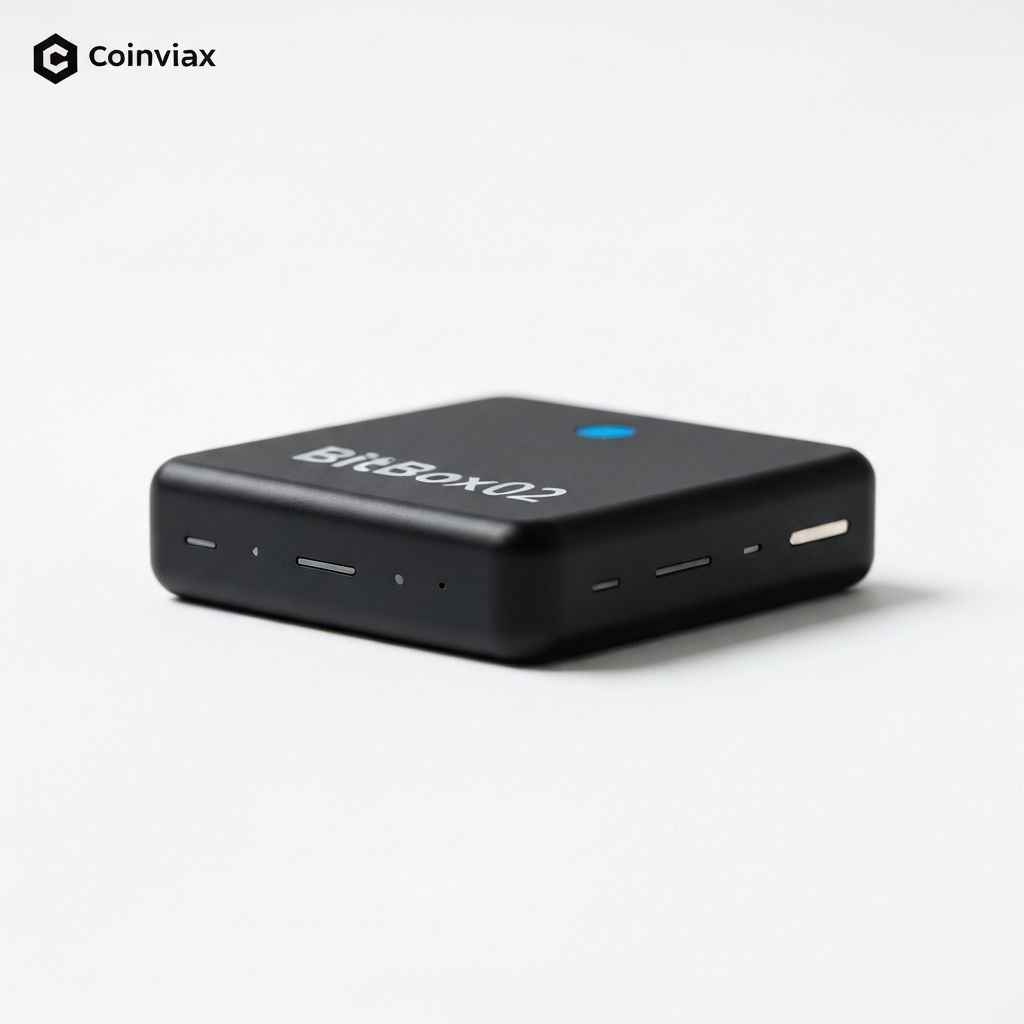
The BitBox02 from Swiss company Shift Crypto offers a refined hardware wallet experience with a focus on simplicity and security. Available in both Bitcoin-only and multi-coin editions, the device features invisible touch sensors along its sides for intuitive navigation without visible buttons.
Swiss engineering is evident in every aspect. The BitBox02 uses a secure element combined with a general-purpose microcontroller, giving you the benefits of both worlds. The firmware is open-source, and the company maintains a bug bounty program. The device connects via USB-C and can be used with desktop or mobile apps.
One standout feature is the microSD card backup option. Instead of writing down seed words, you can create an encrypted backup on a microSD card. Of course, traditional seed phrase backup is also supported for those who prefer it. The minimalist design and small form factor make it one of the most elegant hardware wallets available.
Advantages
- +Elegant Swiss design
- +MicroSD card backup
- +Open-source firmware
- +USB-C connectivity
Disadvantages
- -Less known brand
- -No mobile app (desktop only)
- -Touch sensors can be finicky
Electrum
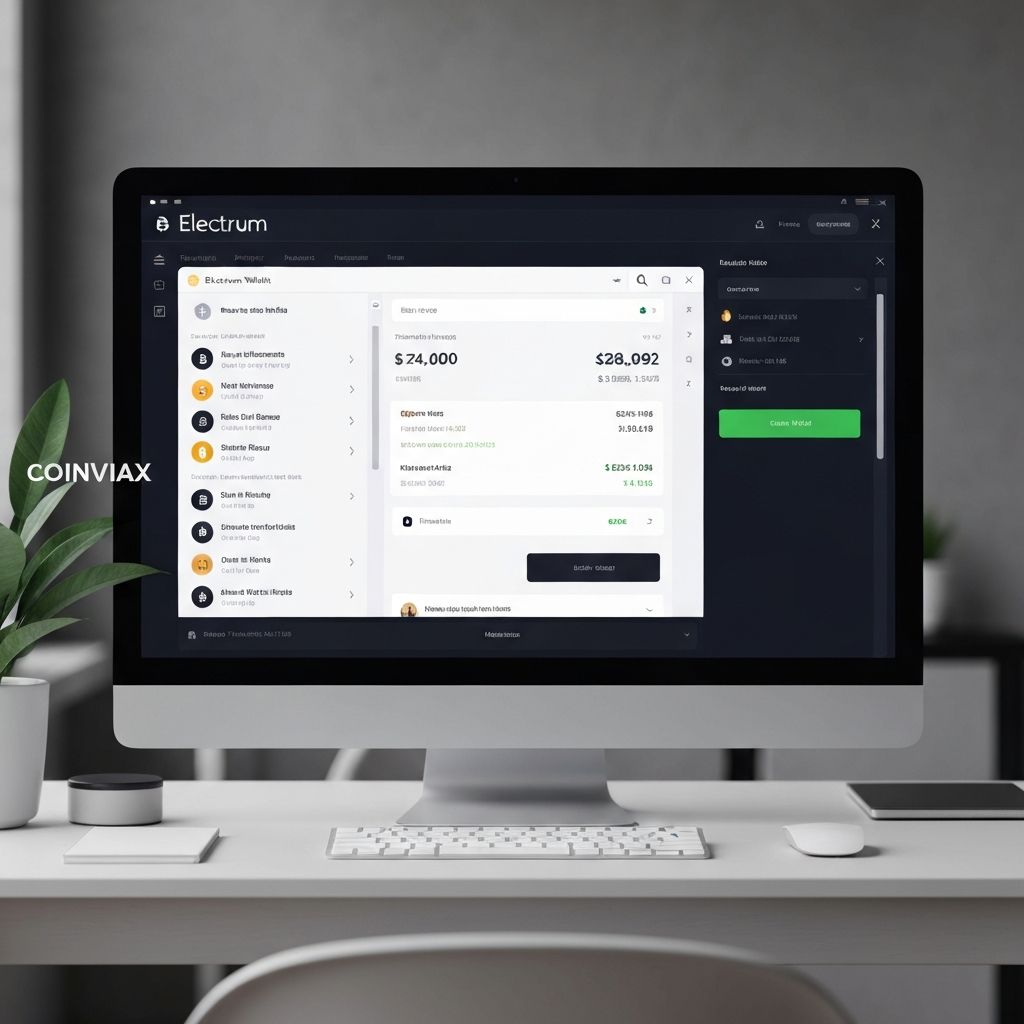
Electrum is the veteran of Bitcoin wallets, first released in 2011. This desktop software wallet has stood the test of time and remains one of the most trusted options for technical users. Its lightweight SPV (Simple Payment Verification) design means you do not need to download the entire blockchain, yet you still maintain full control of your private keys.
What sets Electrum apart is its advanced feature set. The wallet supports multi-signature configurations, hardware wallet integration with Ledger, Trezor, and Coldcard, custom transaction fees with RBF (Replace-By-Fee), and even Lightning Network through plugins. For developers and power users, Electrum offers unmatched flexibility.
The interface is functional rather than beautiful, prioritizing features over aesthetics. Some users find it intimidating at first, but the documentation is thorough. Be cautious of phishing attacks, as fake Electrum downloads have been used to steal funds. Always download from the official electrum.org website and verify the signature.
Advantages
- +Proven track record since 2011
- +Advanced features (multisig, RBF)
- +Hardware wallet support
- +Lightning Network capable
Disadvantages
- -Dated user interface
- -Steep learning curve
- -Target of phishing attacks
Sparrow Wallet
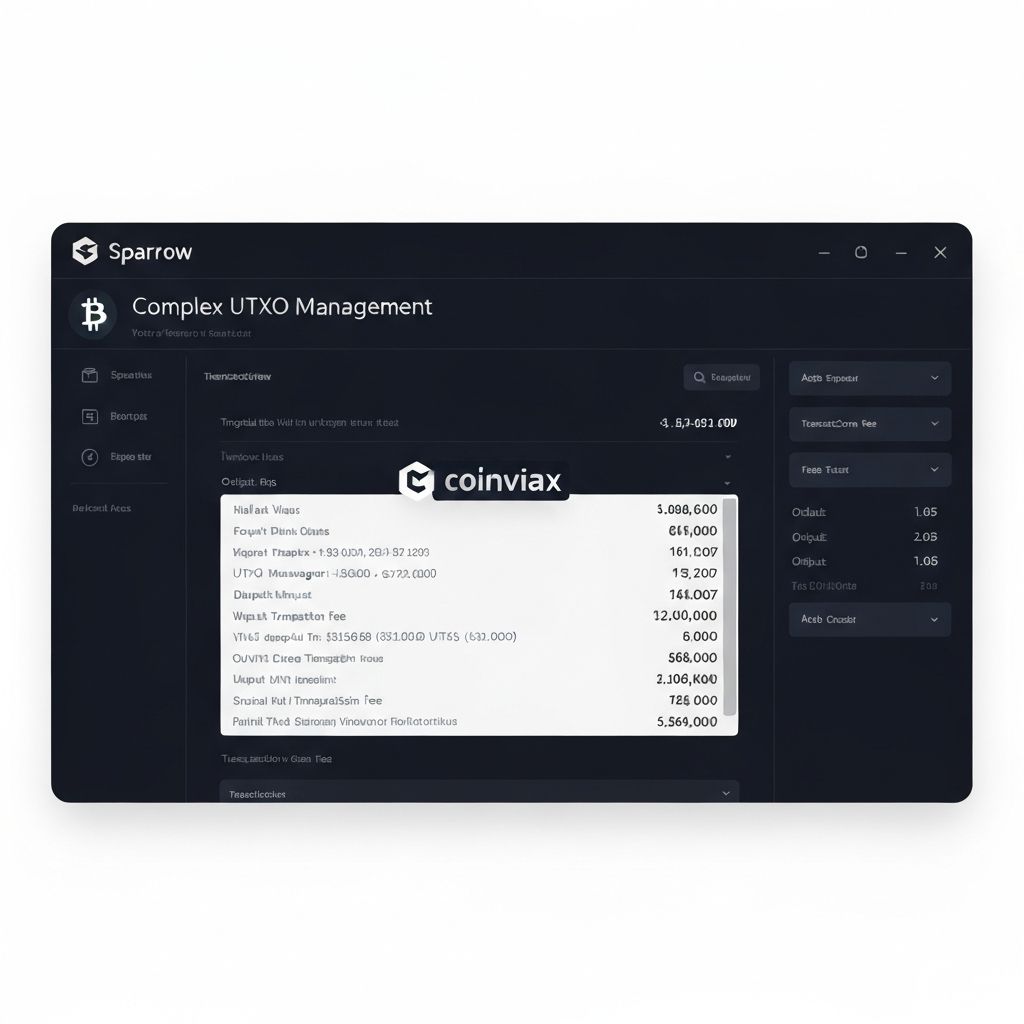
Sparrow Wallet has quickly become the favorite desktop wallet for privacy-conscious Bitcoin users. Released in 2020, it combines modern design with powerful UTXO management, giving users granular control over their transactions. The wallet excels at coin control, allowing you to select exactly which Bitcoin outputs to spend.
Sparrow supports connecting to your own Bitcoin node for maximum privacy, or you can use public Electrum servers if privacy is less critical. The wallet integrates seamlessly with all major hardware wallets and supports advanced features like Whirlpool coinjoin for transaction mixing, air-gapped signing via QR codes, and detailed transaction analysis.
The user interface strikes a balance between accessibility and power. Transaction graphs visualize your UTXO history, making it easier to understand your wallet privacy health. For those running their own node, Sparrow pairs perfectly with Bitcoin Core or dedicated node solutions like Umbrel.
Advantages
- +Excellent UTXO management
- +Whirlpool coinjoin support
- +Connect to your own node
- +Modern, clean interface
Disadvantages
- -Desktop only (no mobile)
- -Bitcoin only
- -Can be overwhelming for beginners
BlueWallet

BlueWallet is our top pick for mobile Bitcoin users who want both on-chain and Lightning Network capabilities in one beautiful app. Available for iOS and Android, this open-source wallet manages to be both beginner-friendly and feature-rich for advanced users.
The wallet supports multiple accounts, watch-only wallets for monitoring cold storage, and hardware wallet integration via PSBT. Lightning Network support is seamless, allowing instant and nearly free transactions for everyday purchases. You can even connect to your own Lightning node for maximum sovereignty.
BlueWallet distinctive blue interface is both functional and aesthetically pleasing. Security features include biometric authentication, encrypted storage, and the option to connect to your own Electrum server. The wallet also supports advanced features like PayJoin for enhanced privacy and batch transactions for efficiency.
Advantages
- +Excellent Lightning support
- +Beautiful mobile interface
- +Open-source and free
- +Hardware wallet compatible
Disadvantages
- -Mobile security limitations
- -Bitcoin only
- -Lightning requires channel management
Muun Wallet
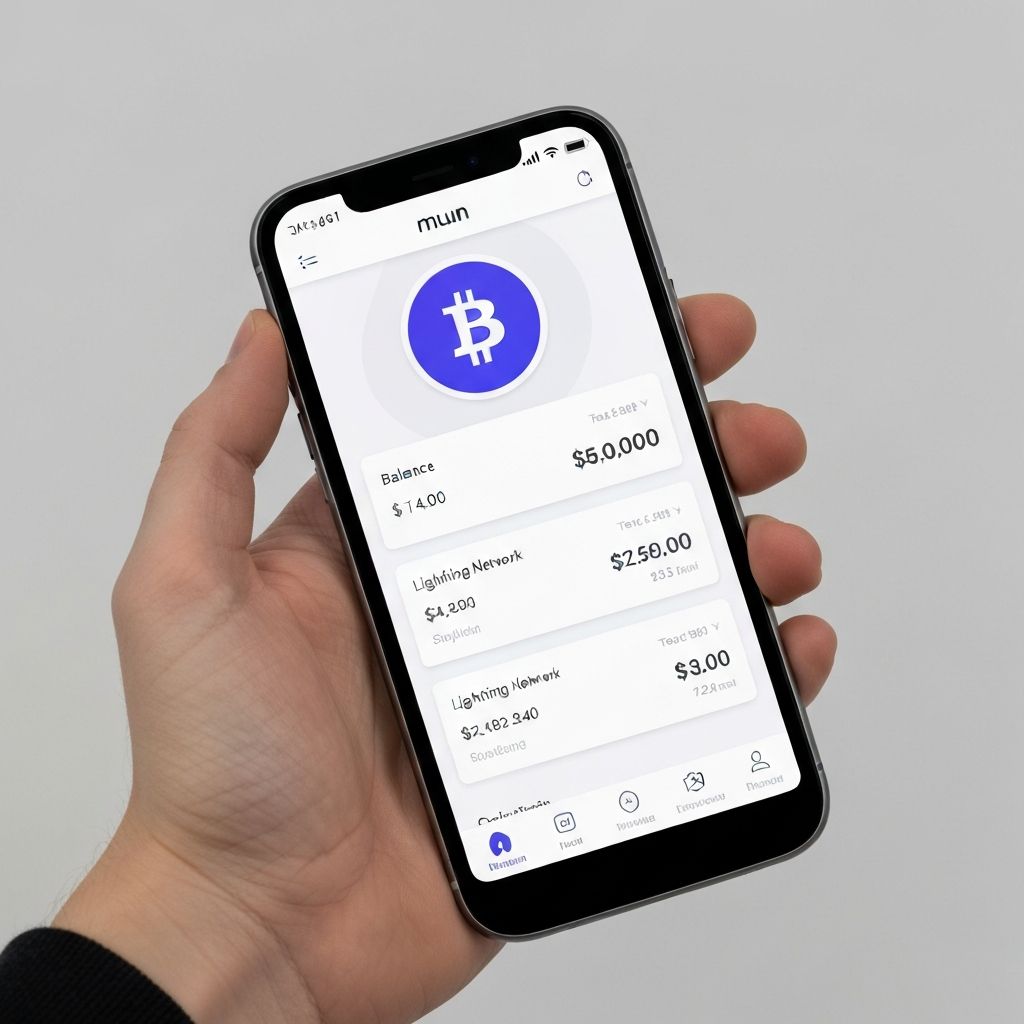
Muun Wallet is the perfect entry point for Bitcoin newcomers. This self-custodial mobile wallet abstracts away the complexity of Bitcoin and Lightning Network into a unified, simple experience. There is no channel management, no choosing between on-chain or Lightning. Muun handles everything automatically.
Under the hood, Muun uses submarine swaps to seamlessly route payments between on-chain Bitcoin and Lightning Network. This means you can pay any Lightning invoice or receive on-chain payments with a single wallet and balance. The recovery process is unique, using an emergency kit that combines traditional seed phrases with encrypted keys.
The minimalist interface shows only what matters: your balance and easy send/receive buttons. Advanced users might find it limiting, but for someone making their first Bitcoin purchase or receiving their first satoshis, Muun provides a frictionless experience that builds confidence.
Advantages
- +Extremely beginner-friendly
- +Unified Bitcoin/Lightning balance
- +Self-custodial security
- +Clean, minimal design
Disadvantages
- -Higher fees than native Lightning
- -Limited advanced features
- -Unique backup process
Exodus
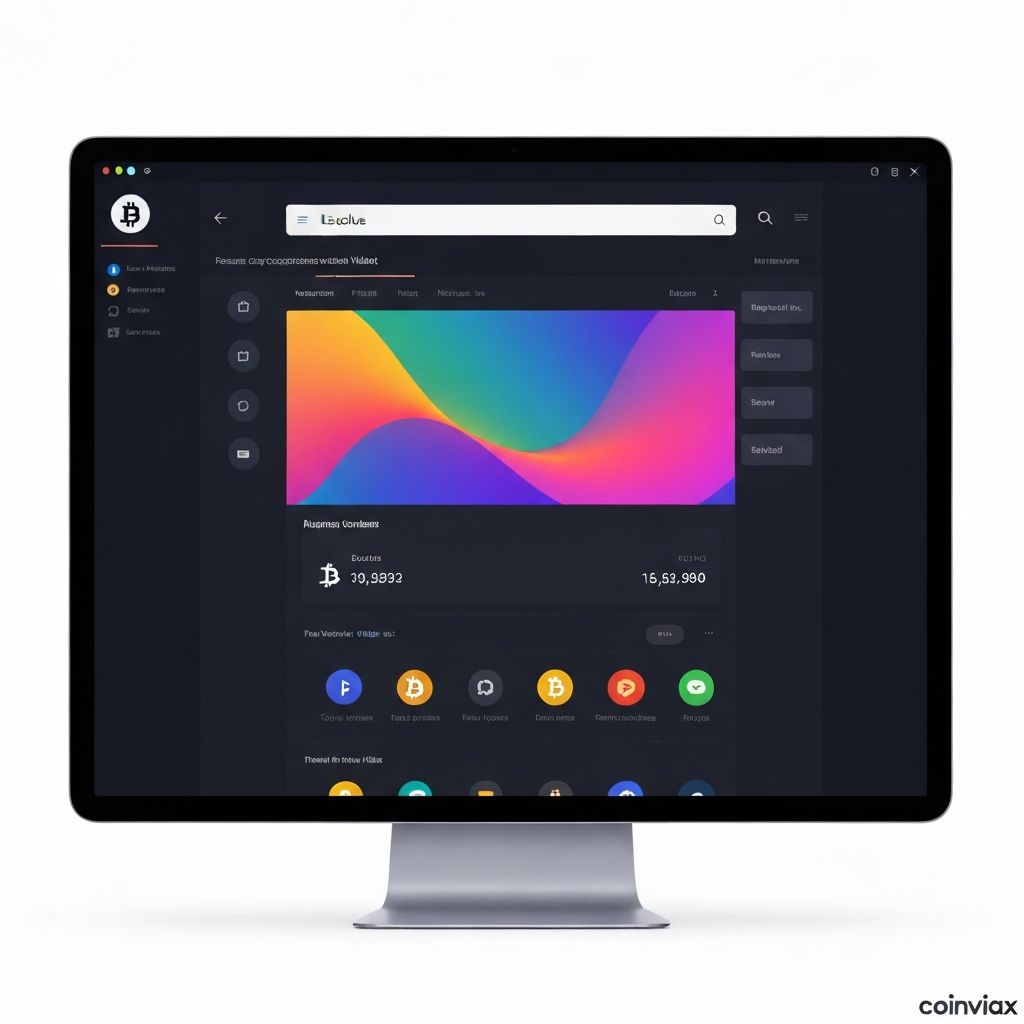
Exodus is the most visually stunning wallet on this list. If design matters to you, Exodus delivers a beautiful, colorful interface that makes managing crypto feel premium. Available on desktop, mobile, and as a browser extension, it provides a consistent experience across all platforms.
Beyond looks, Exodus supports over 260 cryptocurrencies and includes built-in exchange functionality for swapping between assets. The portfolio tracker visualizes your holdings with attractive charts, and the wallet integrates with Trezor hardware wallets for enhanced security.
The trade-off for this polish is that Exodus is not open-source, which means you are trusting the company code without community verification. Additionally, the built-in exchange has higher spreads than dedicated exchanges. For Bitcoin-only users who prioritize privacy and verification, other options may be more suitable.
Advantages
- +Beautiful, polished design
- +260+ supported assets
- +Built-in exchange
- +Multi-platform support
Disadvantages
- -Not open-source
- -Higher exchange spreads
- -No custom node support
Wasabi Wallet
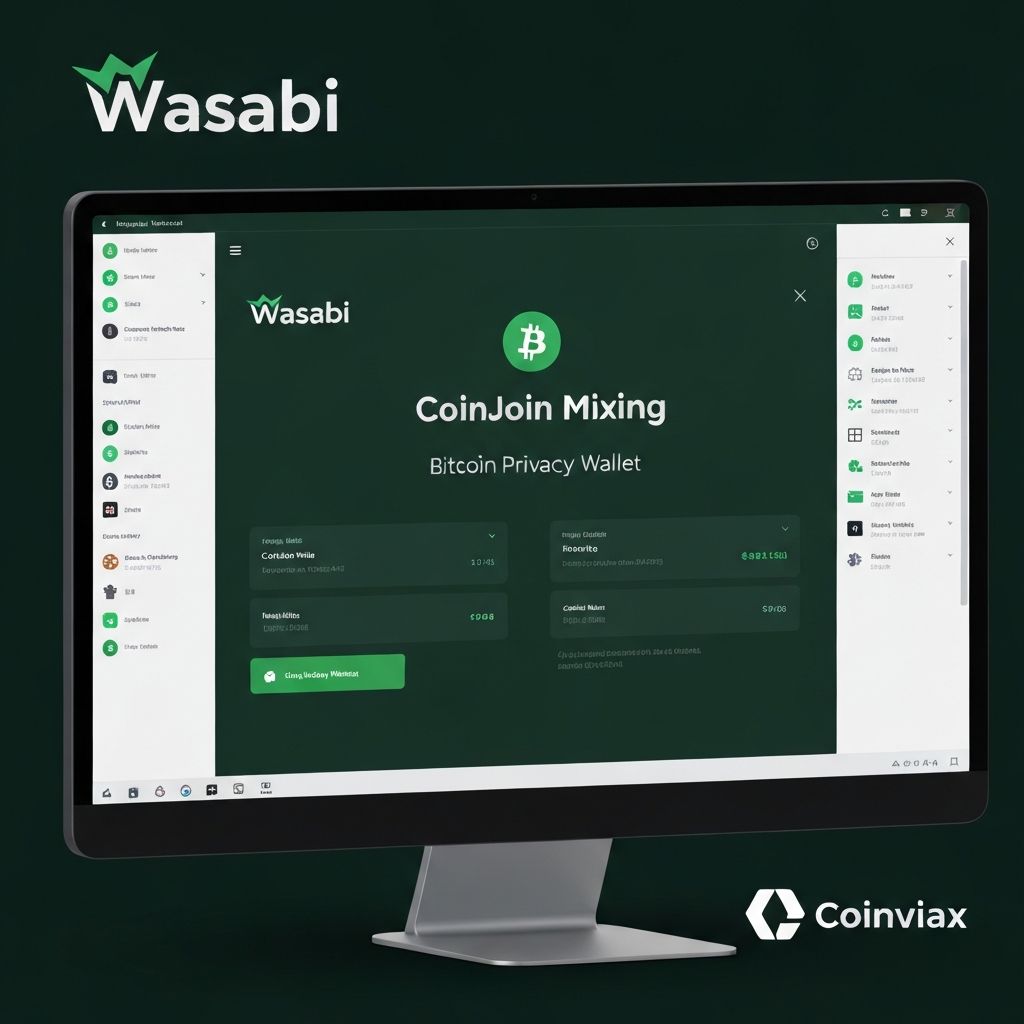
Wasabi Wallet is the privacy-first choice for Bitcoin holders who want to break the link between their identity and their transactions. The wallet built-in coinjoin coordinator allows users to mix their Bitcoin with others, making transaction history extremely difficult to trace.
All Wasabi transactions route through Tor by default, hiding your IP address from network observers. The wallet provides detailed privacy scores for your UTXOs, helping you understand which coins are more private than others. For those receiving Bitcoin from exchanges with KYC requirements, Wasabi can help reclaim some privacy.
The coinjoin process has fees (0.3% coordinator fee plus mining fees), and achieving good privacy requires patience as you wait for enough participants. The interface can be complex for newcomers, but for privacy enthusiasts, Wasabi remains an essential tool in the Bitcoin toolkit.
Advantages
- +Built-in coinjoin mixing
- +Tor integration by default
- +Open-source and audited
- +Privacy score indicators
Disadvantages
- -Coinjoin fees add up
- -Complex for beginners
- -Desktop only
Essential Bitcoin Wallet Security Tips
Regardless of which wallet you choose, following proper security practices is crucial for protecting your Bitcoin. Here are the essential rules every Bitcoin holder should follow:
-
1
Never share your seed phrase. No legitimate company or support agent will ever ask for your 12 or 24 word recovery phrase. Anyone who asks is a scammer.
-
2
Write your seed phrase on paper or metal. Never store it digitally, in photos, email, or cloud storage. Consider a metal backup plate for fire and water resistance.
-
3
Use strong, unique passwords. Enable two-factor authentication wherever possible. Use a password manager to generate and store complex passwords.
-
4
Verify before you transact. Always double-check addresses before sending. Start with a small test transaction for large amounts.
-
5
Download only from official sources. Bookmark official wallet websites. Verify download signatures when possible. Beware of fake apps on app stores.
Which Bitcoin Wallet Should You Choose?
With so many options, here is our simplified recommendation based on your primary need:
| Your Need | Our Recommendation | Why |
|---|---|---|
| Best Overall | Ledger Nano X | Perfect balance of security and usability |
| Budget Hardware | Trezor Safe 3 | Open-source security at $79 |
| Maximum Security | Coldcard MK4 | Air-gapped, Bitcoin-only, paranoid-level security |
| Mobile Use | BlueWallet | Best mobile experience with Lightning |
| Complete Beginner | Muun Wallet | Simplest self-custody experience |
| Privacy Focus | Wasabi or Sparrow | Built-in mixing and UTXO control |
| Multi-Asset Portfolio | Exodus | Beautiful UI for diverse holdings |
Final Verdict
The best Bitcoin wallet is ultimately the one that fits your specific needs and that you will actually use properly. For most users, we recommend starting with a mobile wallet like BlueWallet or Muun for small amounts and everyday transactions, then graduating to a hardware wallet like the Ledger Nano X or Trezor Safe 3 as your holdings grow.
Remember that self-custody means you are responsible for your own security. Take the time to properly back up your seed phrase, understand how your chosen wallet works, and never invest more than you can afford to lose. Bitcoin gives you financial sovereignty, but with that power comes responsibility.
Ready to Secure Your Bitcoin?
Start with a hardware wallet for long-term storage and a mobile wallet for daily use.
Frequently Asked Questions
What is the safest Bitcoin wallet in 2026?
Should I use a hardware wallet or software wallet for Bitcoin?
What is a seed phrase and why is it important?
Can I use the same Bitcoin wallet on multiple devices?
What is the difference between custodial and non-custodial wallets?
Do I need a separate wallet for Lightning Network payments?
How much does a Bitcoin wallet cost?
What happens if I lose my hardware wallet?
Disclaimer: The information provided is for educational purposes only. Always download wallets from official sources. Some links may be affiliate links. Coinvist is not responsible for any loss of funds.